
Getting Started | Home | Module I | Module II
VCPS | Interface | Home
REQUIRED
If this is your first Virtual CRASH self-paced training course, take a few minutes to read over the Getting Started page. The Getting Started page includes details on grading, completion time, and the requirements to receive a certificate of completion. Successful completion of this course assumes an active and valid vCRASH software license.
COURSE DESCRIPTION
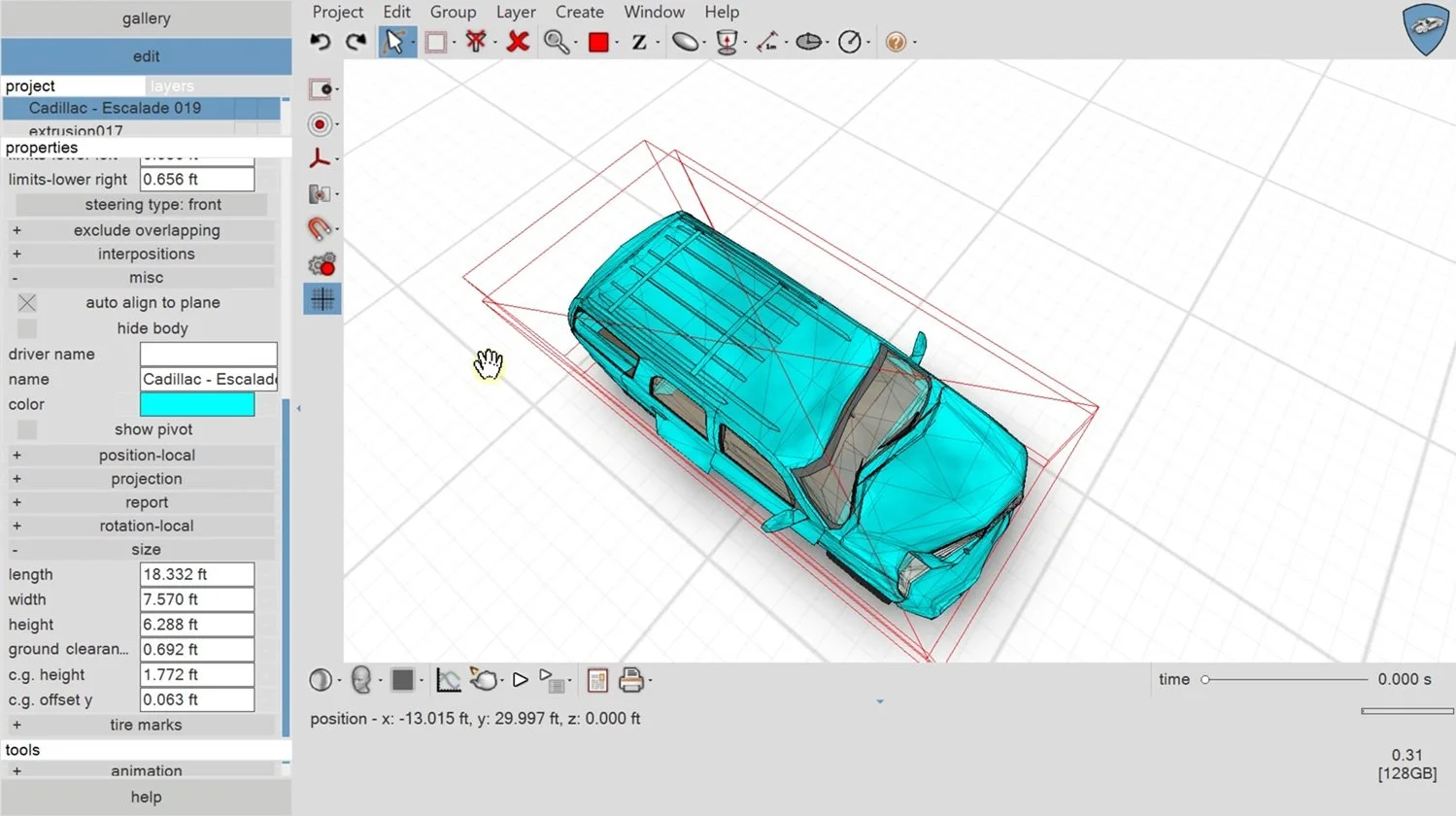
The VCPS Interface course is a complete walkthrough of the Virtual CRASH workspace, from first launch through hands-on geometry editing. It covers the interface fundamentals (panel setup, units and grid, scene navigation, the gallery browser, and textures) along with object creation and editing using the CAD primitives, cloning, texture mapping, extrusions, and vehicle geometry tools. By the end you'll be comfortable navigating the workspace and building, reshaping, and manipulating objects for your reconstructions.
GENERAL READING RECOMMENDATIONS FOR ACCIDENT RECONSTRUCTION
Vehicle Accident Analysis and Reconstruction Methods by Brach and Brach
Fundamentals of Traffic Crash Reconstruction by Daily, Shigemura, and Daily
Classical Dynamics of Particles and Systems by Marion and Thornton
COURSE MODULES
Module I: The Virtual CRASH Workspace
Module I is a full walkthrough of the Virtual CRASH workspace interface, covering panel and font setup, units and grid configuration, scene navigation, the gallery browser, signs and textures, the Virtual Tutor, object selection and manipulation (including restrict-to grips and the gumball), view modes, and layer/freeze management.
Module II: Creating and Editing Objects in Virtual CRASH
Module II covers building and editing geometry in Virtual CRASH: 3D and 2D CAD shapes, mesh conversion, cloning, texture mapping, extrusions, and vehicle geometry editing with vertex, lasso, and proportional-editing tools.
Do you have a technical support issue, such as:
Virtual CRASH software installation problem?
Automatic software update problem?
Understanding how a feature or function works?
Geometry or total station file import problem?
Problem finding the right User's Guide, Knowledge Base, Blog, or training video to help with your specific use case?
Need to request that a potential use case be explained that is not well documented in the vCRASH Academy.
Need to report a potential software problem?
Technical support inquiries can be submitted to the Virtual CRASH team at: https://www.vcrashusa.com/support
This course is protected by federal copyright law. No part of this course may be copied, distributed, transmitted, transcribed, stored in a retrieval system, or translated into any human or computer language, in any form or by any means—electronic, mechanical, manual, or otherwise—nor shall any part of this publication be disclosed to any third party. The unauthorized reproduction or distribution of a copyrighted work is illegal. Criminal copyright infringement, including infringement without monetary gain, is investigated by the FBI and is punishable by up to five years in federal prison and a fine of $250,000.
© 2026 Virtual CRASH, LLC
Getting Started | Home | Module I | Module II