
Getting Started | Home | Module I | Module II | Module III | Module IV | Module V
Interface | Home
REQUIRED
If this is your first Virtual CRASH self-paced training course, take a few minutes to read over the Getting Started page. The Getting Started page includes details on grading, completion time, and the requirements to receive a certificate of completion. Successful completion of this course assumes an active and valid vCRASH software license.
COURSE DESCRIPTION
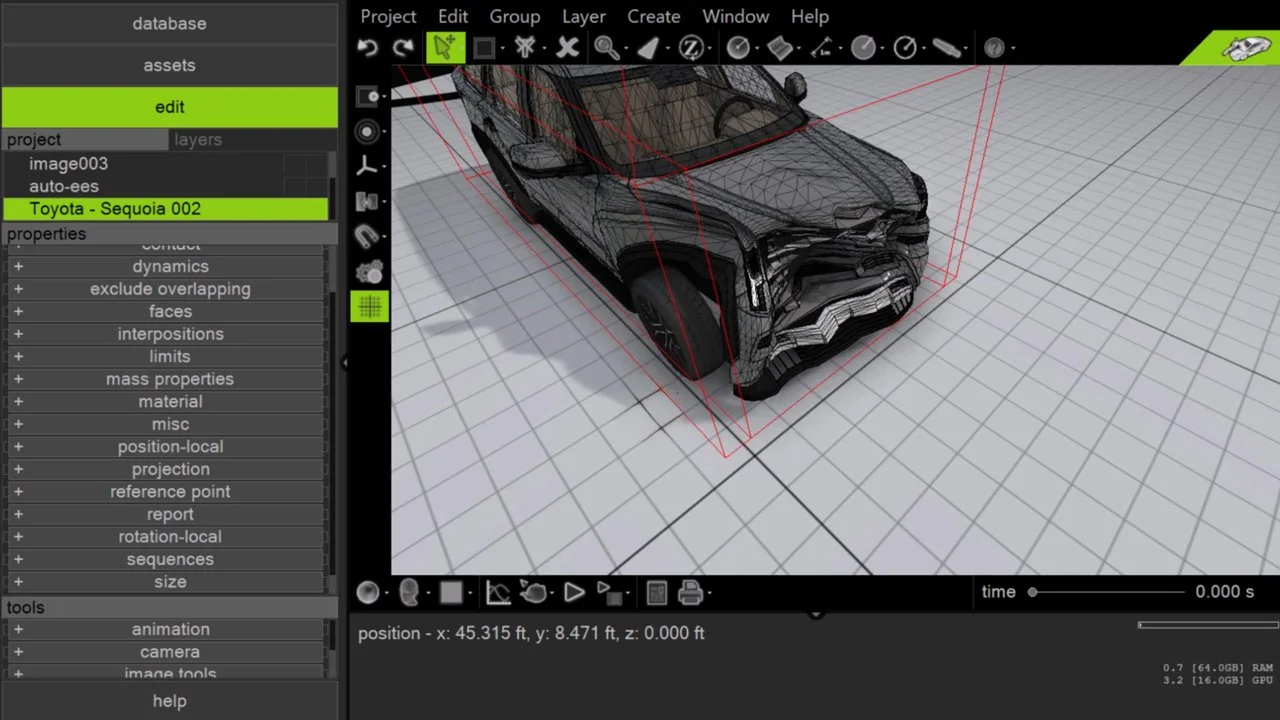
This course deals with understanding the design of the Virtual CRASH interface and how to find commonly used features. Although this course is ideal for new users of Virtual CRASH, even experienced users stand to benefit from many of the topics covered. Though this course was developed in Virtual CRASH 6, the reviewed interface is common to Virtual CRASH 3, 4, and 5.
GENERAL READING RECOMMENDATIONS FOR ACCIDENT RECONSTRUCTION
Vehicle Accident Analysis and Reconstruction Methods by Brach and Brach
Fundamentals of Traffic Crash Reconstruction by Daily, Shigemura, and Daily
Classical Dynamics of Particles and Systems by Marion and Thornton
COURSE MODULES
Module I: Set-up
Module I discusses issues related to installation of Virtual CRASH software, where to find help, and other matters.
Module II: Warm-ups
In Module II, we will start with simple warm-up exercises to help you become familiar with key aspects of navigating the Virtual CRASH workspace.
Module III: Navigating the Workspace
Module III covers basic mouse commands; changing the workspace theme; changing view, render, and camera modes; modifying the workspace grid; and utilizing the multi-view display. This module also provides a brief overview of the left-side control panel and the project menu, including changing units, working with the gallery browser, the vehicle menu, and Virtual Tutor.
Module IV: Manipulating Objects
Module IV is an introduction to manipulating objects in Virtual CRASH. This module covers moving and rotating objects (including using axis restraints, axis grips, and the properties menu), using the local and world reference frames, modifying vehicle elevation, changing the mass and size properties of an object (e.g., ground clearance), and using the axis menu to make changes to a vehicle (center of gravity, wheelbase, suspension properties, etc.). This module also covers crushing vehicles, including working with polygons and manipulating vertices via proportional editing.
Module V: CAD Tools
Module V offers a basic introduction to the CAD tools available in Virtual CRASH, including line objects, various 2D and 3D shapes, and road objects.
Do you have a technical support issue, such as:
Virtual CRASH software installation problem?
Automatic software update problem?
Understanding how a feature or function works?
Geometry or total station file import problem?
Problem finding the right User's Guide, Knowledge Base, Blog, or training video to help with your specific use case?
Need to request that a potential use case be explained that is not well documented in the vCRASH Academy.
Need to report a potential software problem?
Technical support inquiries can be submitted to the Virtual CRASH team at: https://www.vcrashusa.com/support
This course is protected by federal copyright law. No part of this course may be copied, distributed, transmitted, transcribed, stored in a retrieval system, or translated into any human or computer language, in any form or by any means—electronic, mechanical, manual, or otherwise—nor shall any part of this publication be disclosed to any third party. The unauthorized reproduction or distribution of a copyrighted work is illegal. Criminal copyright infringement, including infringement without monetary gain, is investigated by the FBI and is punishable by up to five years in federal prison and a fine of $250,000.
© 2026 Virtual CRASH, LLC
Getting Started | Home | Module I | Module II | Module III | Module IV | Module V