
Getting Started | Home | Module I | Module II | Module III | Module IV
Module IV: Integrating Photogrammetry and Point Clouds for Advanced Collision Reconstruction
Introduction
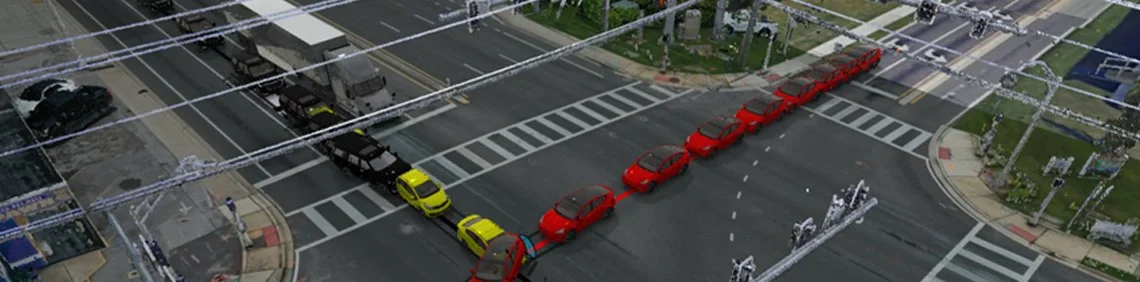
Module IV reviews the process of integrating photogrammetry data and point clouds into Virtual CRASH, including terrain meshing, aligning external aerial imagery, and configuring a multi-vehicle collision simulation with automated driver trajectories.
Reading Assignment
If you have not done so already, please read the following:
Video Lecture
Before starting video, please download the assets zip file and unzip on your Windows computer. Download file >
VC4 users, please download: Kia Rio.vc4, Tesla Model Y.vc4, Freightliner Cascadia.vc4, and Semi Trailer.vc4, and use Project > Import (or drag and drop) to place the vehicle into your scene.
You will also need to download the latest stable release of CloudCompare from www.danielgm.net/cc/.
Complete the project shown in the Module IV video below. Keep the project open and use it to answer the quiz questions.
IMPORTANT: Watch each video through to the end to reach the final quiz. Quizzes are embedded throughout and must be completed as you go in order to continue. In most cases, questions are multiple choice with one correct and three incorrect answers, and you'll need 3 of 4 correct to pass. If you fail, you can review the prior section or retake the quiz. You can't skip ahead, and quizzes must be answered in order. Plan to watch each video in one sitting, since restarting one means retaking its quizzes. Once you complete the final quiz, a "Module Complete" pop-up will appear. Left-click the "copy code" button, enter your email address, and press SUBMIT below.
Once you pass all quizzes for this video, paste the validation code below (Ctrl+V), enter your email, and press the SUBMIT button.
Getting Started | Home | Module I | Module II | Module III | Module IV