
Getting Started | Home | Module I | Module II | Module III | Module IV
Module I: Scaling Imported Images
Introduction
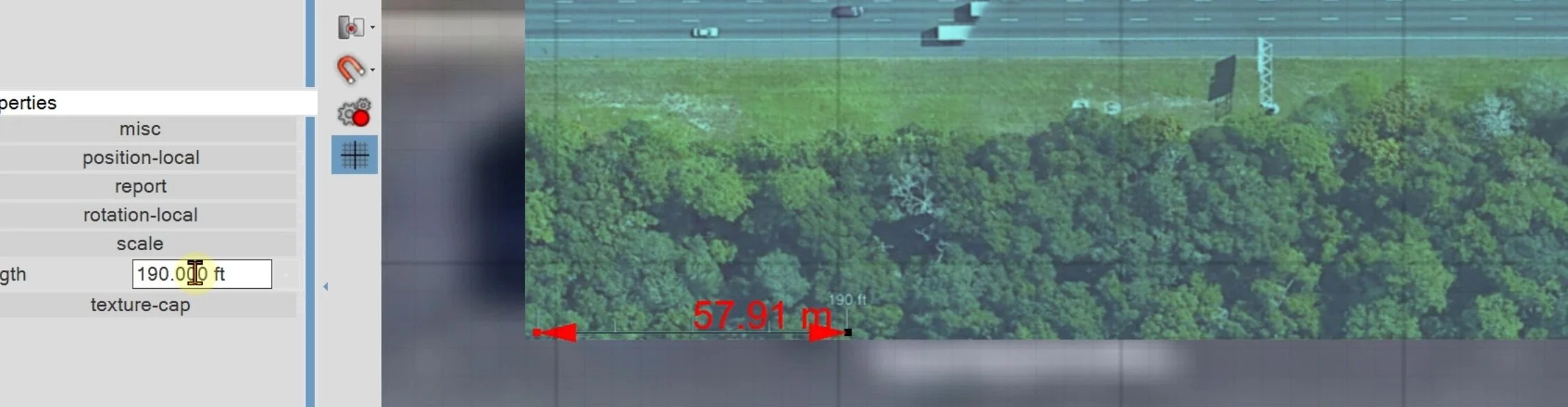
Module I covers importing an aerial image into the workspace and scaling it correctly so it can serve as the foundation for a diagram.
Video Lecture
Please download the following file before starting video: MyImage.png

IMPORTANT: Watch each video through to the end to reach the final quiz. Quizzes are embedded throughout and must be completed as you go in order to continue. In most cases, questions are multiple choice with one correct and three incorrect answers, and you'll need 3 of 4 correct to pass. If you fail, you can review the prior section or retake the quiz. You can't skip ahead, and quizzes must be answered in order. Plan to watch each video in one sitting, since restarting one means retaking its quizzes. Once you complete the final quiz, a "Module Complete" pop-up will appear. Left-click the "copy code" button, enter your email address, and press SUBMIT below.
Once you pass all quizzes for this video, paste the validation code below (Ctrl+V), enter your email, and press the SUBMIT button.
Getting Started | Home | Module I | Module II | Module III | Module IV