
Getting Started | Home | Module I | Module II | Module III | Module IV
Diagramming | Home
REQUIRED
If this is your first Virtual CRASH self-paced training course, take a few minutes to read over the Getting Started page. The Getting Started page includes details on grading, completion time, and the requirements to receive a certificate of completion. Successful completion of this course assumes an active and valid vCRASH software license.
COURSE DESCRIPTION
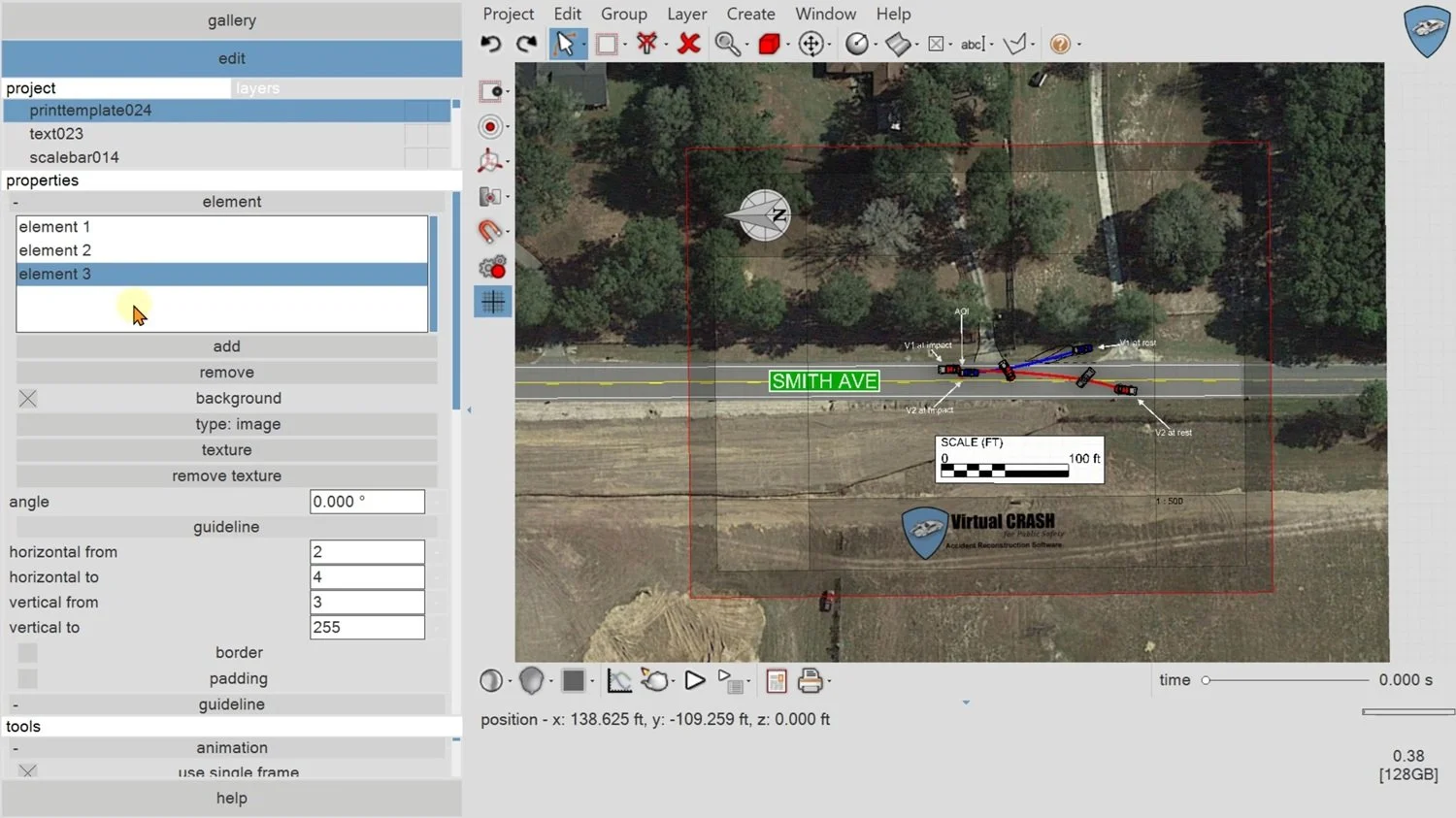
This course deals with importing imagery from 3rd party sources such as Google Maps, importing scene data from total station or RTK GPS devices, how to align the data with imagery, and how to create and print diagrams.
GENERAL READING RECOMMENDATIONS FOR ACCIDENT RECONSTRUCTION
Vehicle Accident Analysis and Reconstruction Methods by Brach and Brach
Fundamentals of Traffic Crash Reconstruction by Daily, Shigemura, and Daily
Classical Dynamics of Particles and Systems by Marion and Thornton
COURSE MODULES
Module I: Understanding Sequences
Module I covers importing an aerial image into the workspace and scaling it correctly so it can serve as the foundation for a diagram.
Module II: Understanding Interpositions
Module II covers using Virtual CRASH's built-in Google Maps feature to import auto-scaled aerial imagery, including API key setup and the Region Selection tool for high-quality tiled images.
Module III: Programming EDR Data and Delta-Vs
Module III gives a full walkthrough of building a scale diagram from total station survey data, covering point-array alignment, auto-generated and hand-drawn striping, textured road surfaces, vehicle placement, trajectory lines, and finishing annotations.
Module IV: Rendering and Creating Videos
Module IV covers rendering the finished scale diagram with the built-in render engine and outputting it as a high-resolution image or printed page.
Do you have a technical support issue, such as:
Virtual CRASH software installation problem?
Automatic software update problem?
Understanding how a feature or function works?
Geometry or total station file import problem?
Problem finding the right User's Guide, Knowledge Base, Blog, or training video to help with your specific use case?
Need to request that a potential use case be explained that is not well documented in the vCRASH Academy.
Need to report a potential software problem?
Technical support inquiries can be submitted to the Virtual CRASH team at: https://www.vcrashusa.com/support
This course is protected by federal copyright law. No part of this course may be copied, distributed, transmitted, transcribed, stored in a retrieval system, or translated into any human or computer language, in any form or by any means—electronic, mechanical, manual, or otherwise—nor shall any part of this publication be disclosed to any third party. The unauthorized reproduction or distribution of a copyrighted work is illegal. Criminal copyright infringement, including infringement without monetary gain, is investigated by the FBI and is punishable by up to five years in federal prison and a fine of $250,000.
© 2026 Virtual CRASH, LLC
Getting Started | Home | Module I | Module II | Module III | Module IV